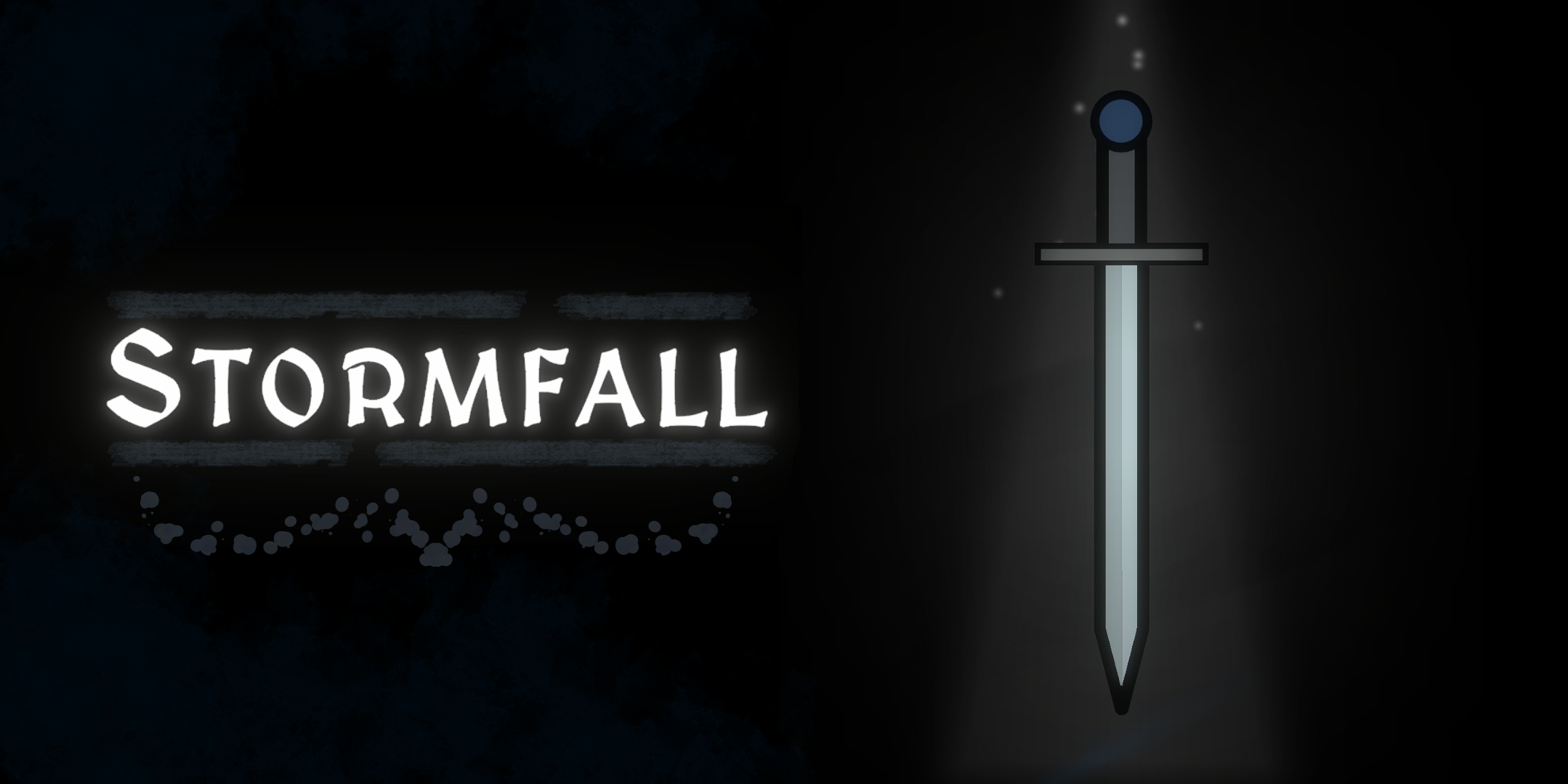
Stormfall (Demo)
A downloadable game for Windows, macOS, and Linux
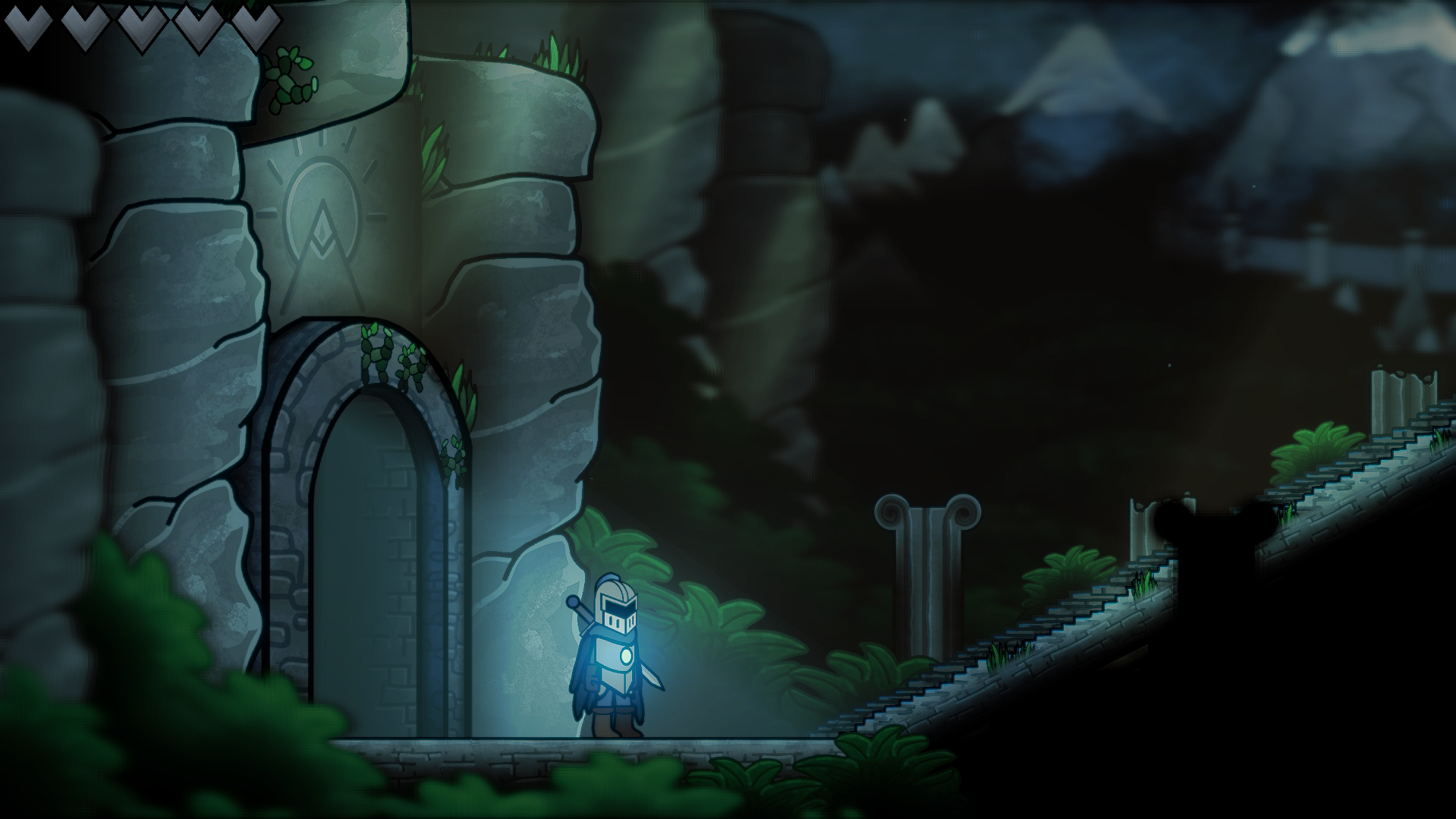
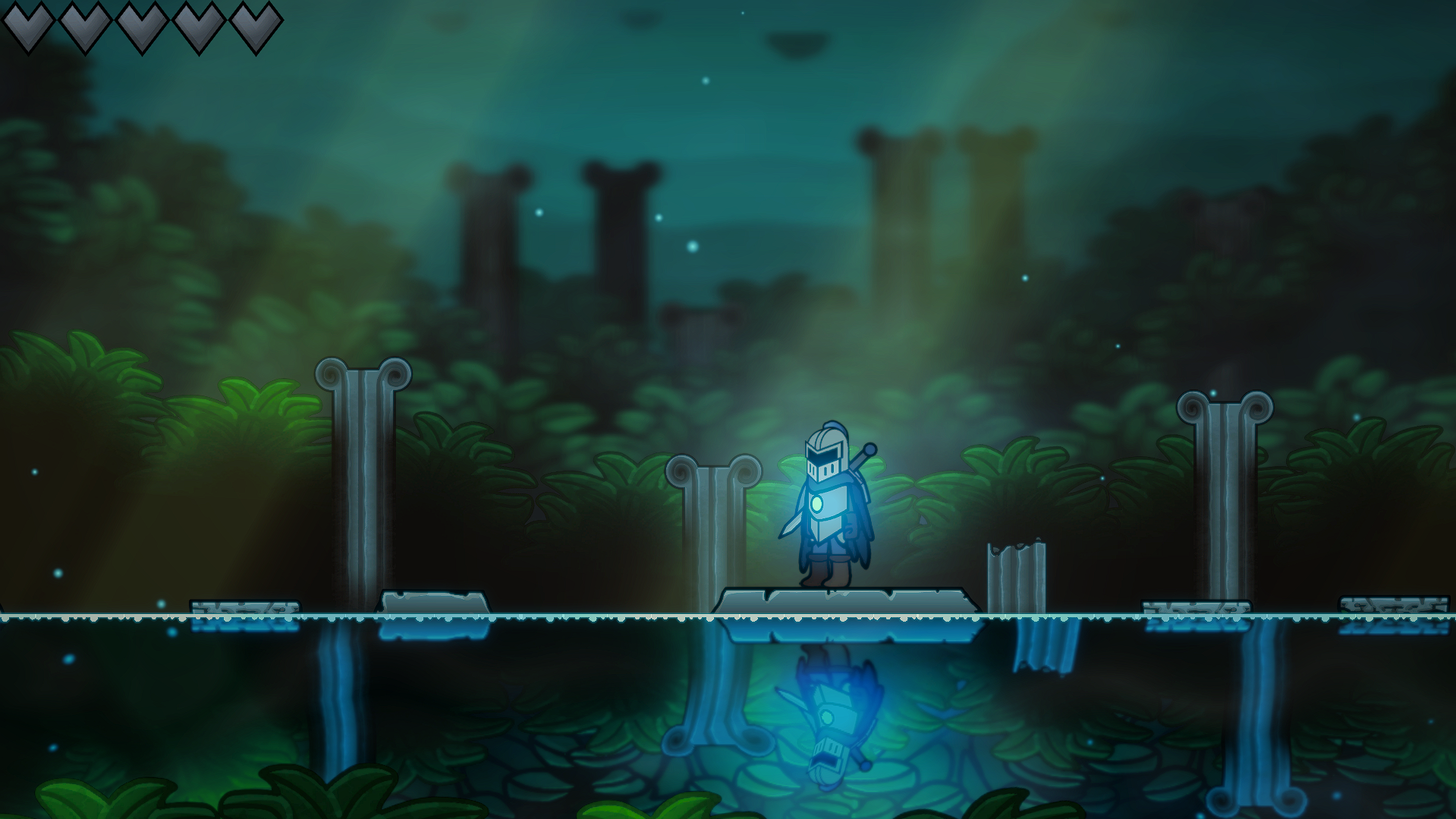
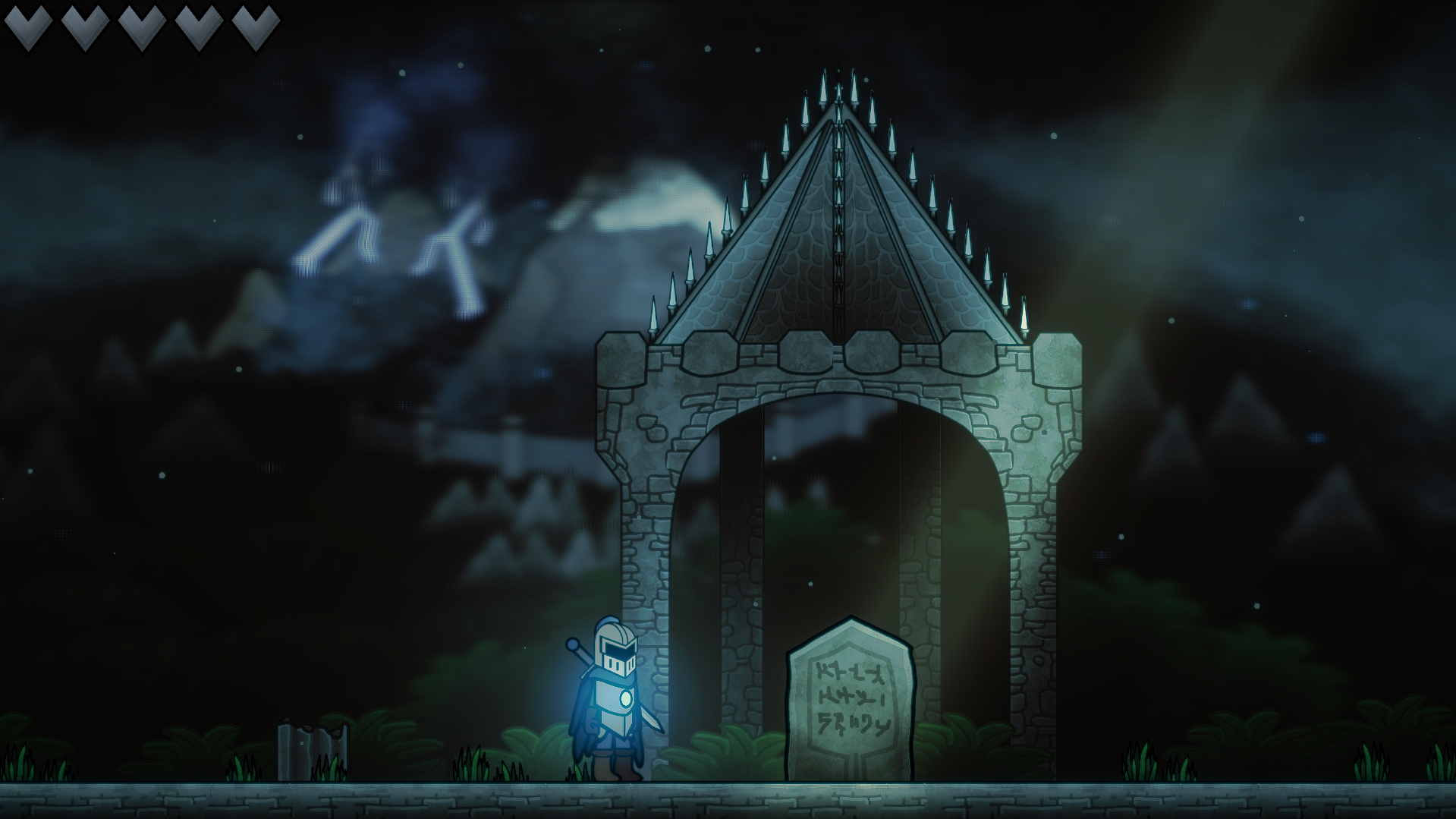
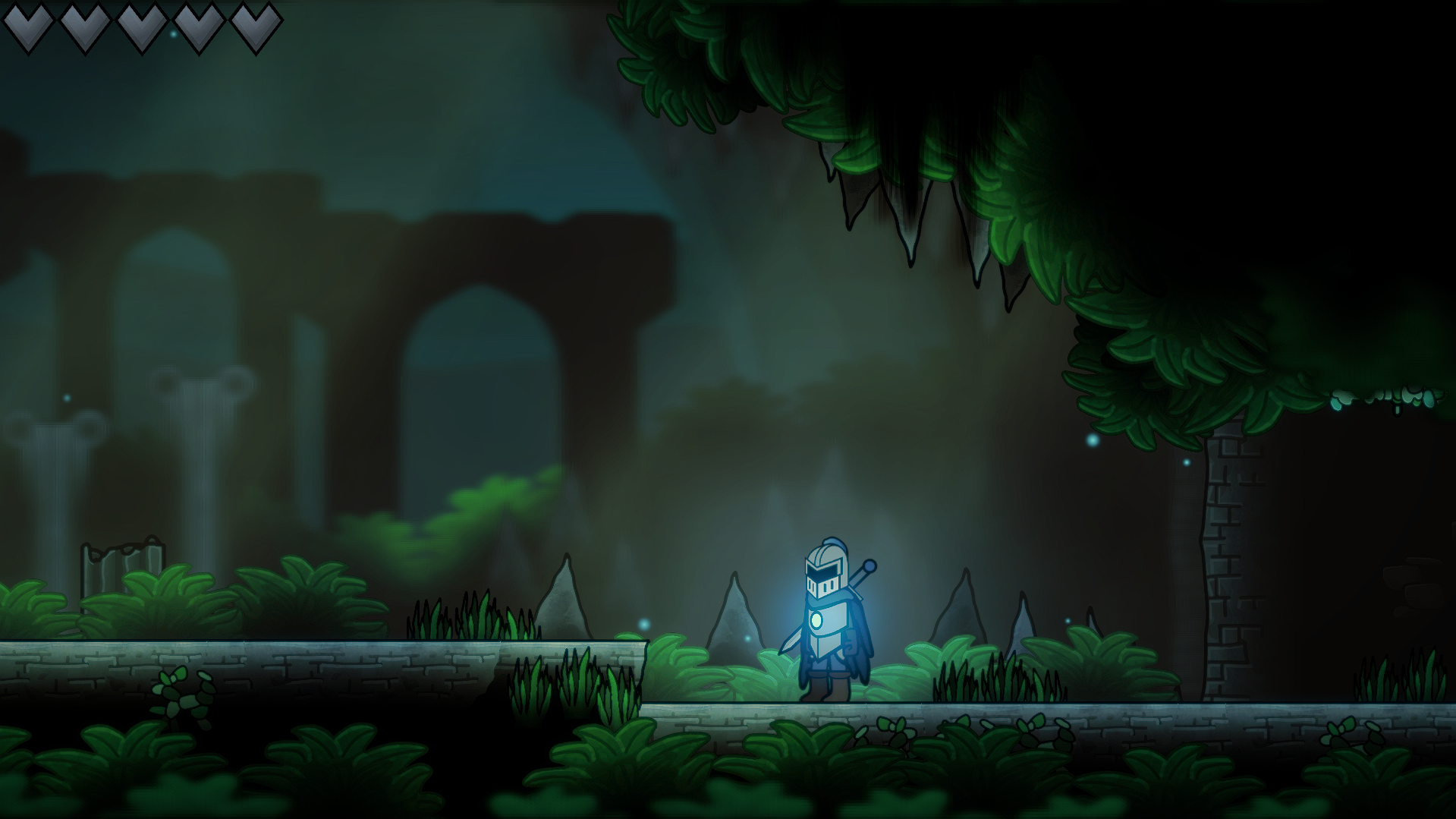
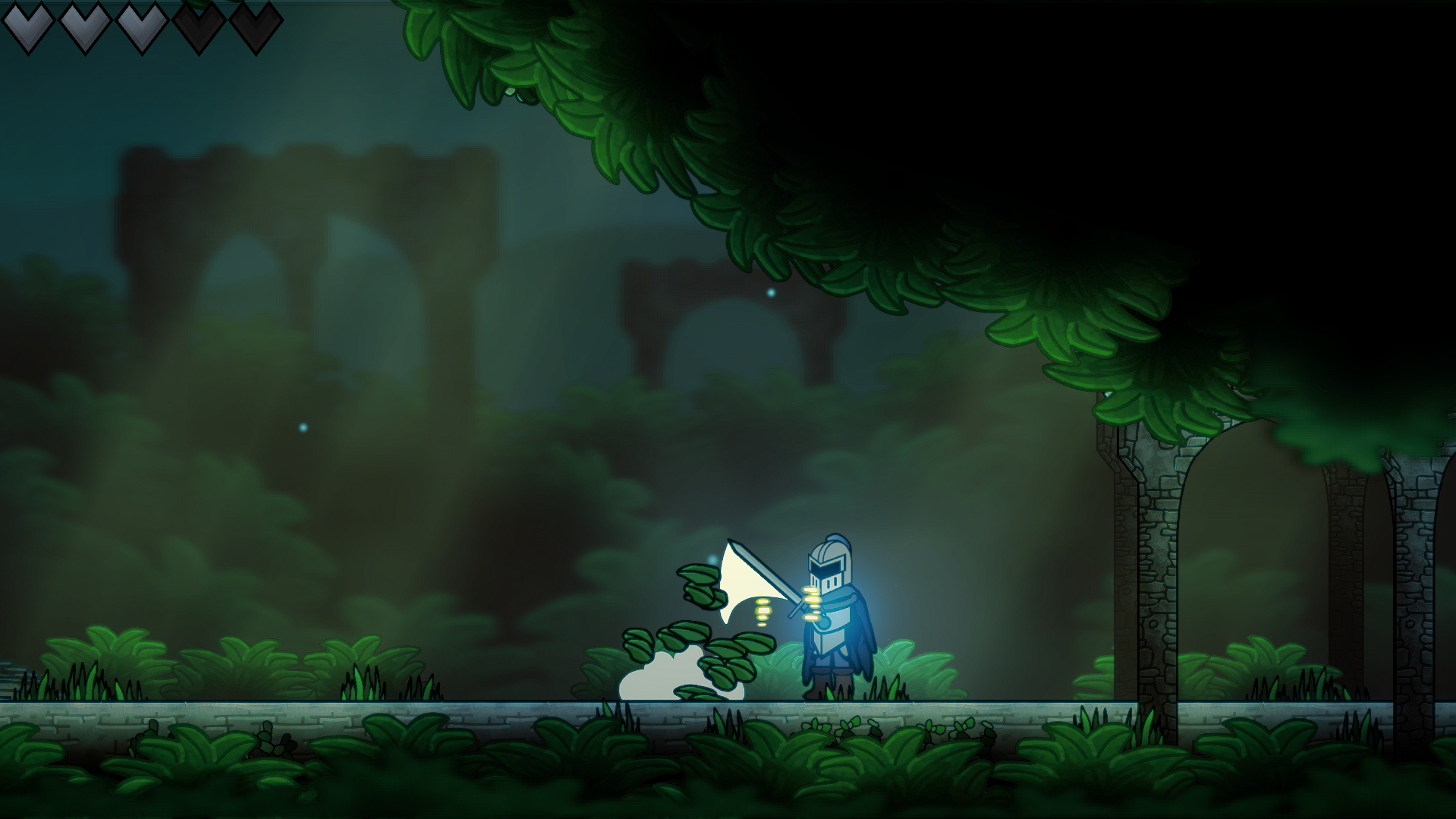
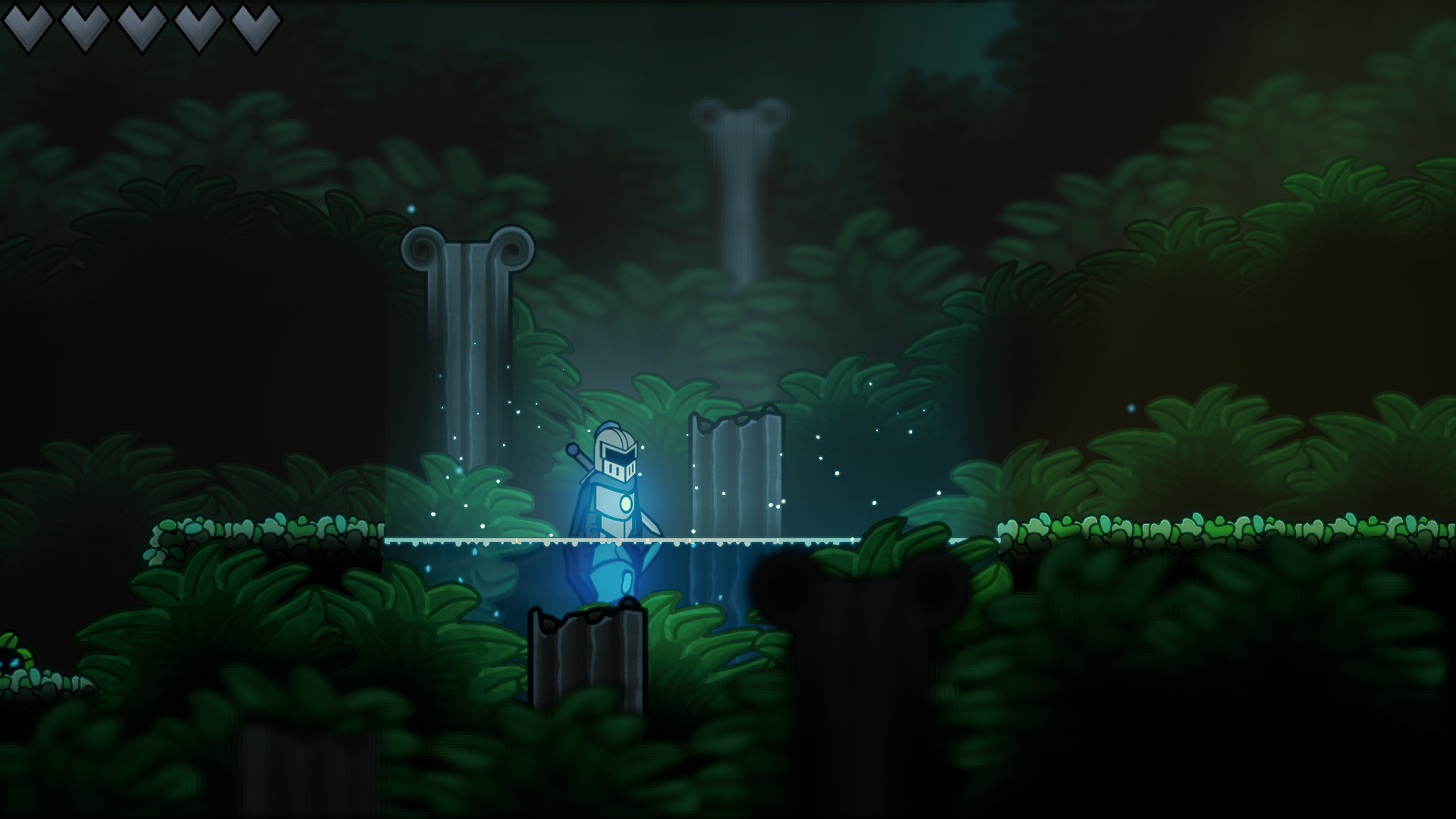
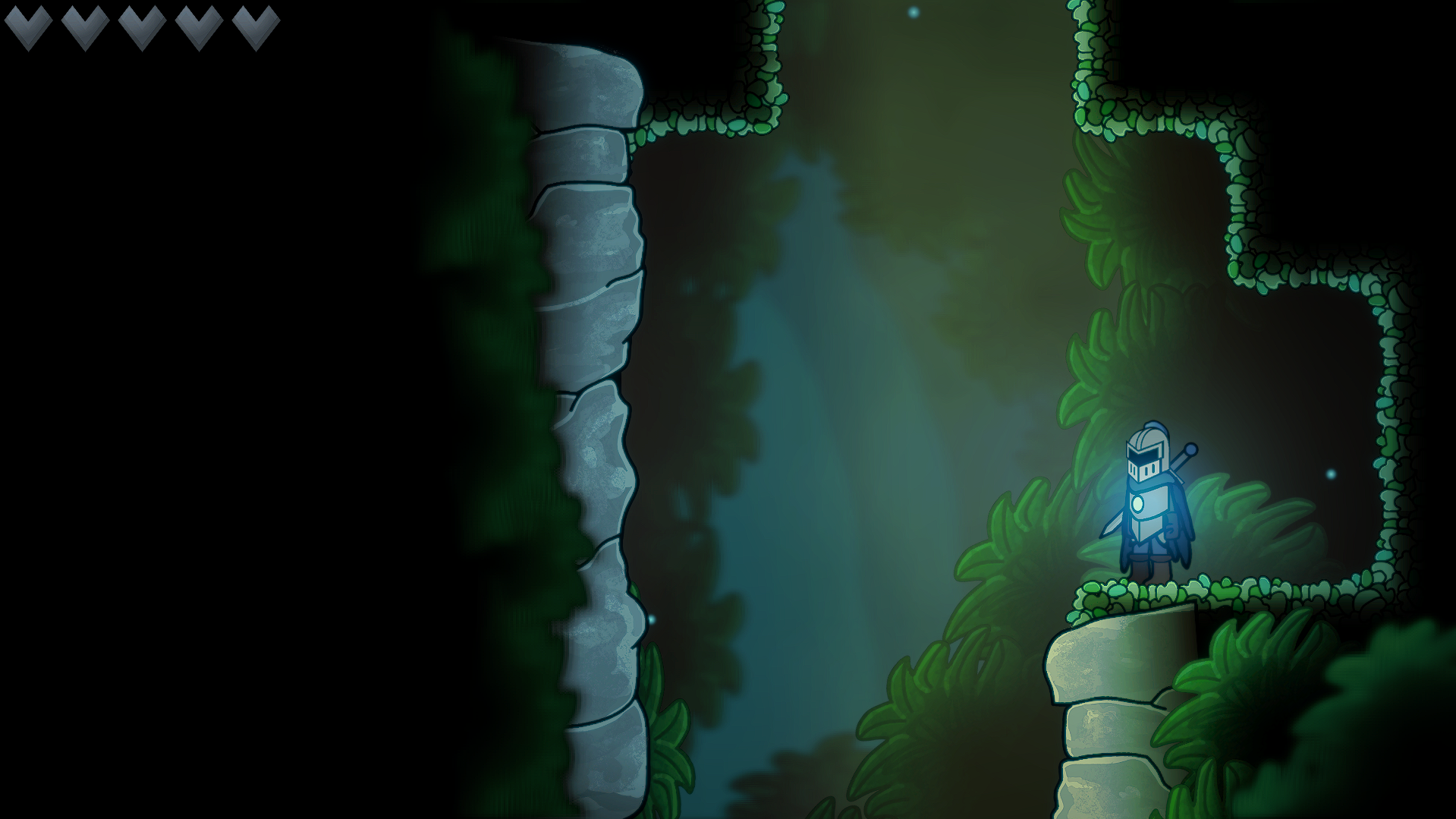
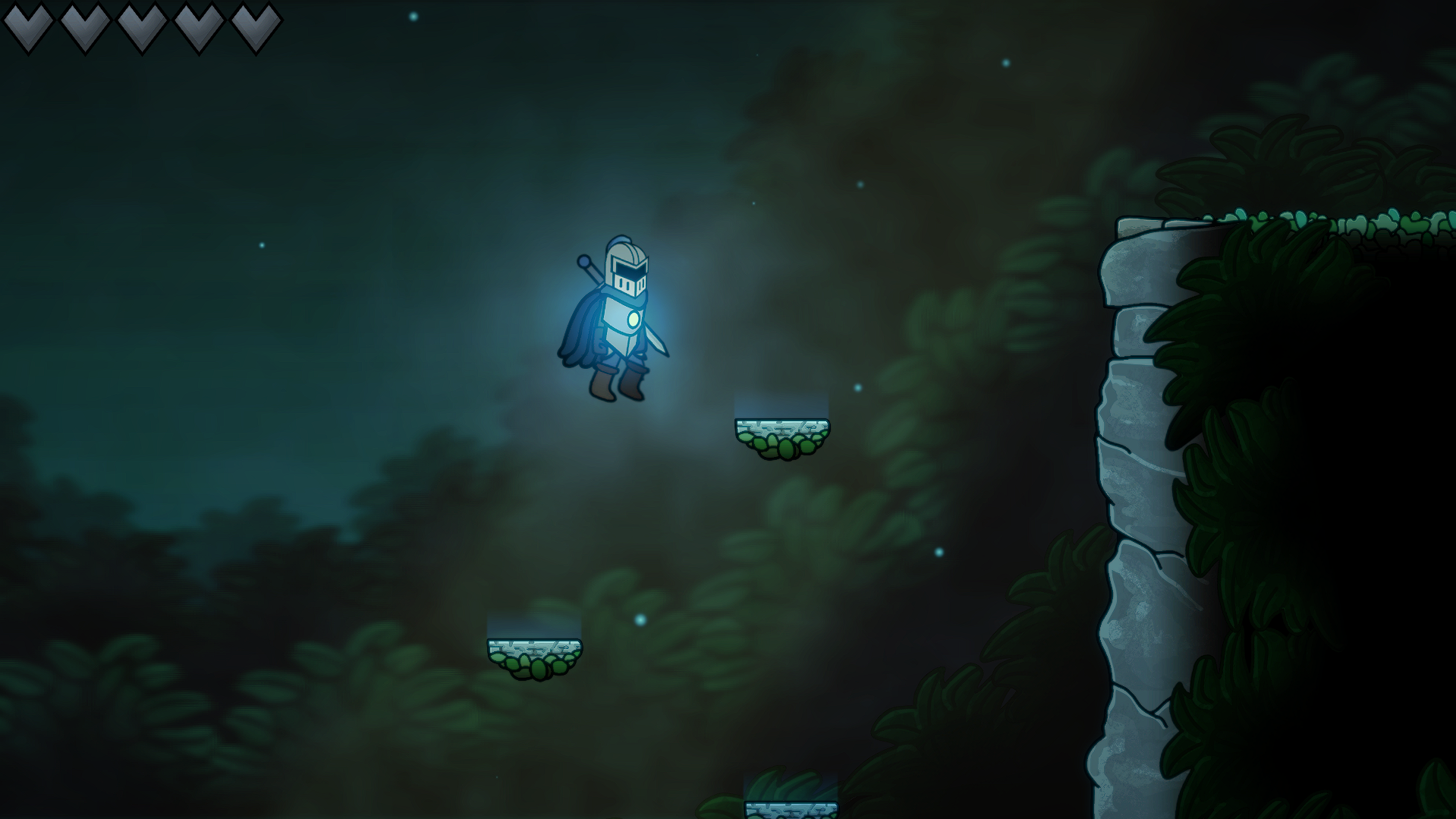
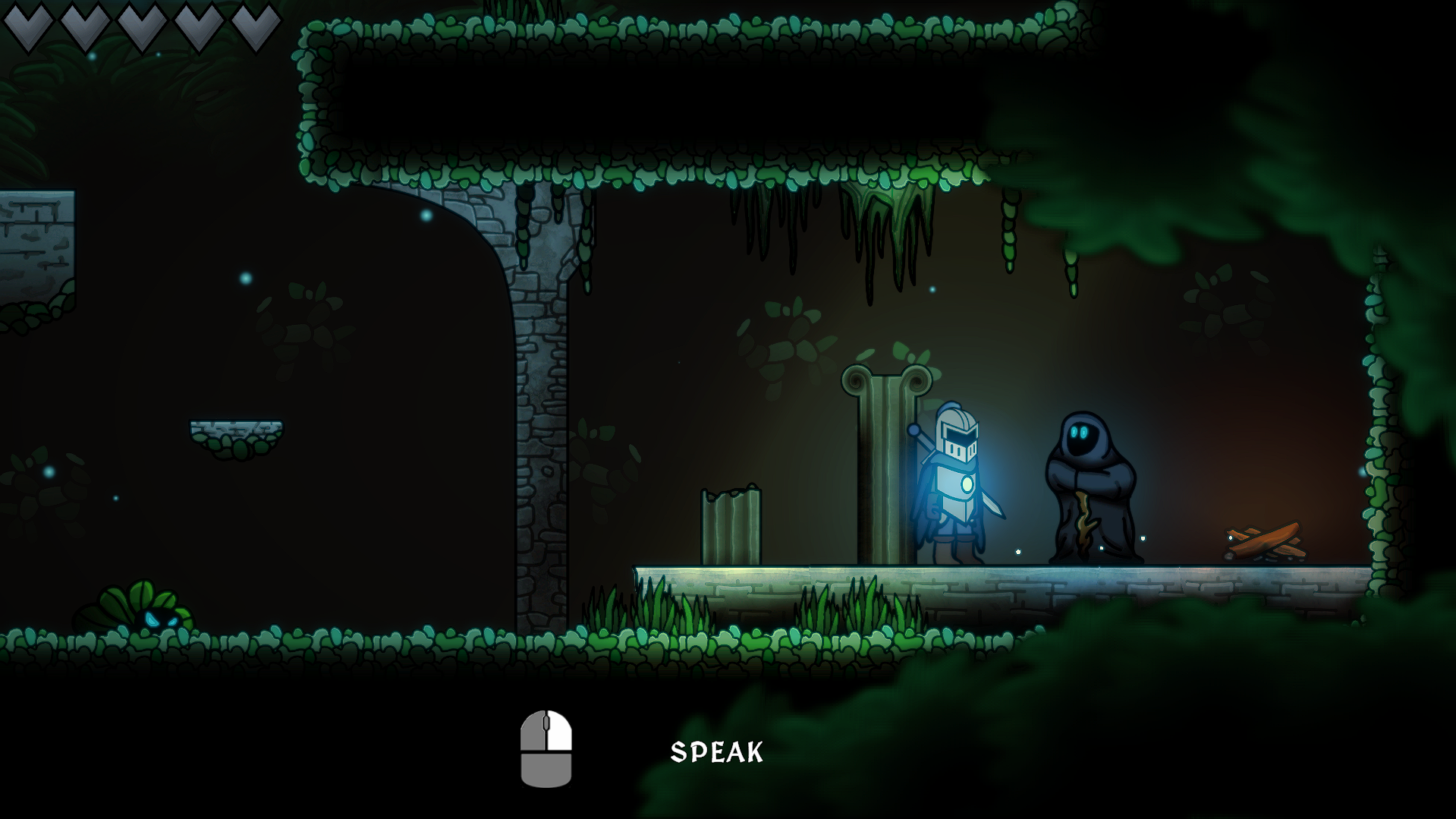
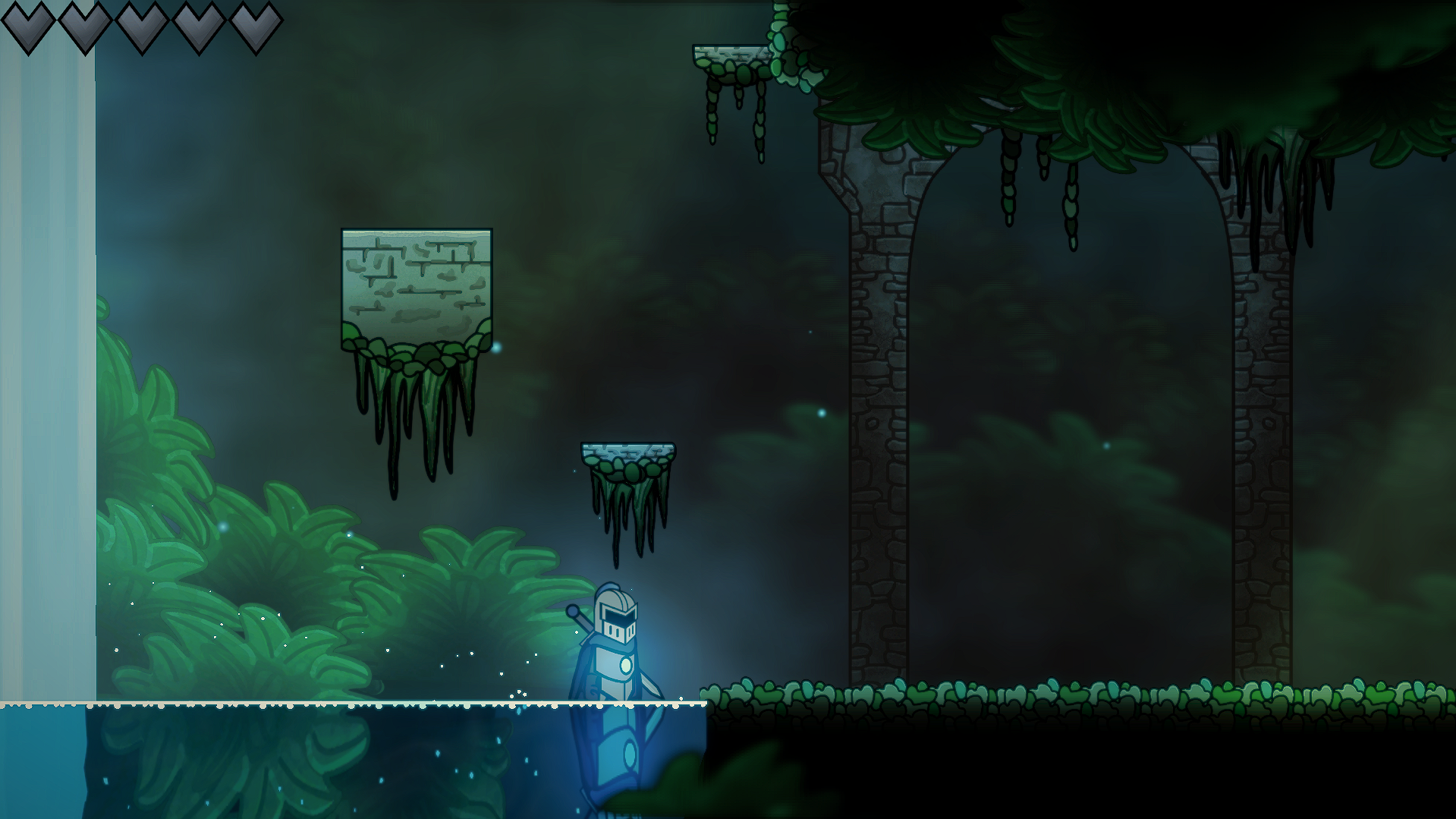
Stormfall is a 2D metroidvania action-platformer set in a fallen kingdom. Reborn from an ancient slumber, a lone knight must embark on an epic journey across a kingdom of light and shadow. Restore the lost lights of the kingdom and master tight, fast-paced combat to save the world from crumbling into a forgotten darkness.
This is a short but highly polished vertical slice of the final game.
Controls:
Move Left/Right: A and D keys
Jump: Space
Pause: Esc
Attack (requires sword ability): Left Click
Interact/Skip Dialogue: Right Click
Toggle Fullscreen: f11
Note: Mac and Linux builds are experimental. Windows is fully supported and recommended.
If you encounter problems on any platform, please submit a bug report here:
https://forms.gle/FMkt3Zu89ZpSYcC9A
Your feedback is appreciated and considered throughout the development process. If you want to review the demo's features or have any generic feedback, please submit it here:
Download
Install instructions
Windows:
- Download the Stormfall_Windows_vX.X.X.zip file.
- Move the file to the desired location on your device.
- Extract the zip file.
- Run the Stormfall.exe file. That's it!
The game will save data to the folder:
%USERPROFILE%\AppData\LocalLow\myth0 Studios\Stormfall
Mac:
- Download the Stormfall_Mac_vX.X.X.zip file.
- Move the zip file to the desired location on your device.
- Extract the zip file fully. (Do not try to run the game from inside the zip, it won't work.)
- Double-click the file Stormfall_Mac_vX.X.X.app from inside the extracted folder.
- If you get a security warning: Right click the app, click open, then open.
- If it still doesn't open, open Terminal and run the following:
xattr -cr Stormfall_Mac_vX.X.X.app
(Substitute X.X.X for your version number. Ensure it matches the file name.)
The game will save data to the folder:
~/Library/Application Support/myth0 Studios/Stormfall
Linux:
- Download the Stormfall_Linux_vX.X.X.zip file.
- Move the file to the desired location on your device.
- Extract the zip file.
- Run the Stormfall_Linux_vX.X.X.x86_64 file.
- If the game does not launch, run:
chmod +x Stormfall_Linux_vX.X.X.x86_64
The game will save data to the folder:
~/.config/unity3d/myth0 Studios/Stormfall
Comments
Log in with itch.io to leave a comment.
it does not work on mac
Hello, thanks for trying it out!
On Mac, the app can sometimes be blocked because of security settings.
Try this:
- Fully extract the zip file.
- Open the .app file from inside the extracted folder.
- If it doesn't open initially, right click it, then click Open, then click Open again.
- If that doesn't work, open Terminal and run:
xattr -cr Stormfall_Mac_v0.1.0.app
Then try opening it again.
If it still doesn't work, could you let me know what macOS version you are on and what happens when you open it? (error message, game instantly crashes, etc.)
thank you